多彩大學(xué)生網(wǎng),大學(xué)生三下鄉(xiāng)投稿平臺(tái)



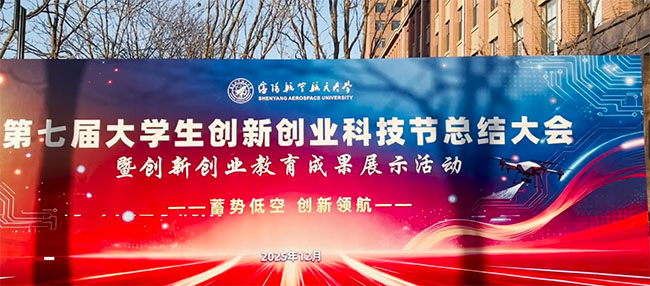
- 第七屆大學(xué)生創(chuàng)新創(chuàng)業(yè)科技節(jié)在沈航收官
- 無(wú)人機(jī)編隊(duì)騰空而起,機(jī)甲機(jī)器人隨樂(lè)起舞……
- 大學(xué)生新聞 2025-12-05
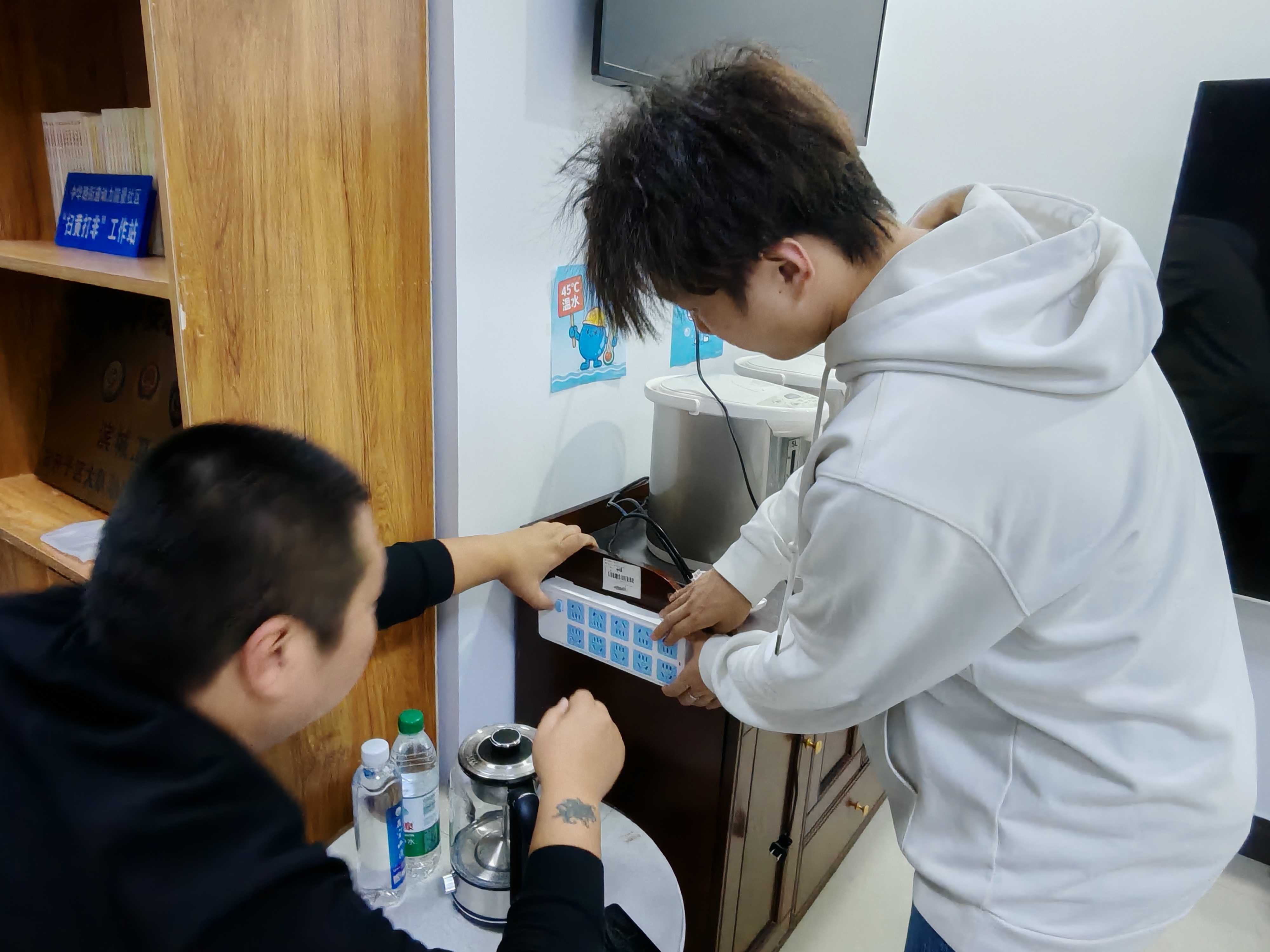
- “專業(yè)賦能實(shí)踐”——社區(qū)節(jié)能改造與服務(wù)行動(dòng)
- 社會(huì)實(shí)踐活動(dòng) 2025-12-05
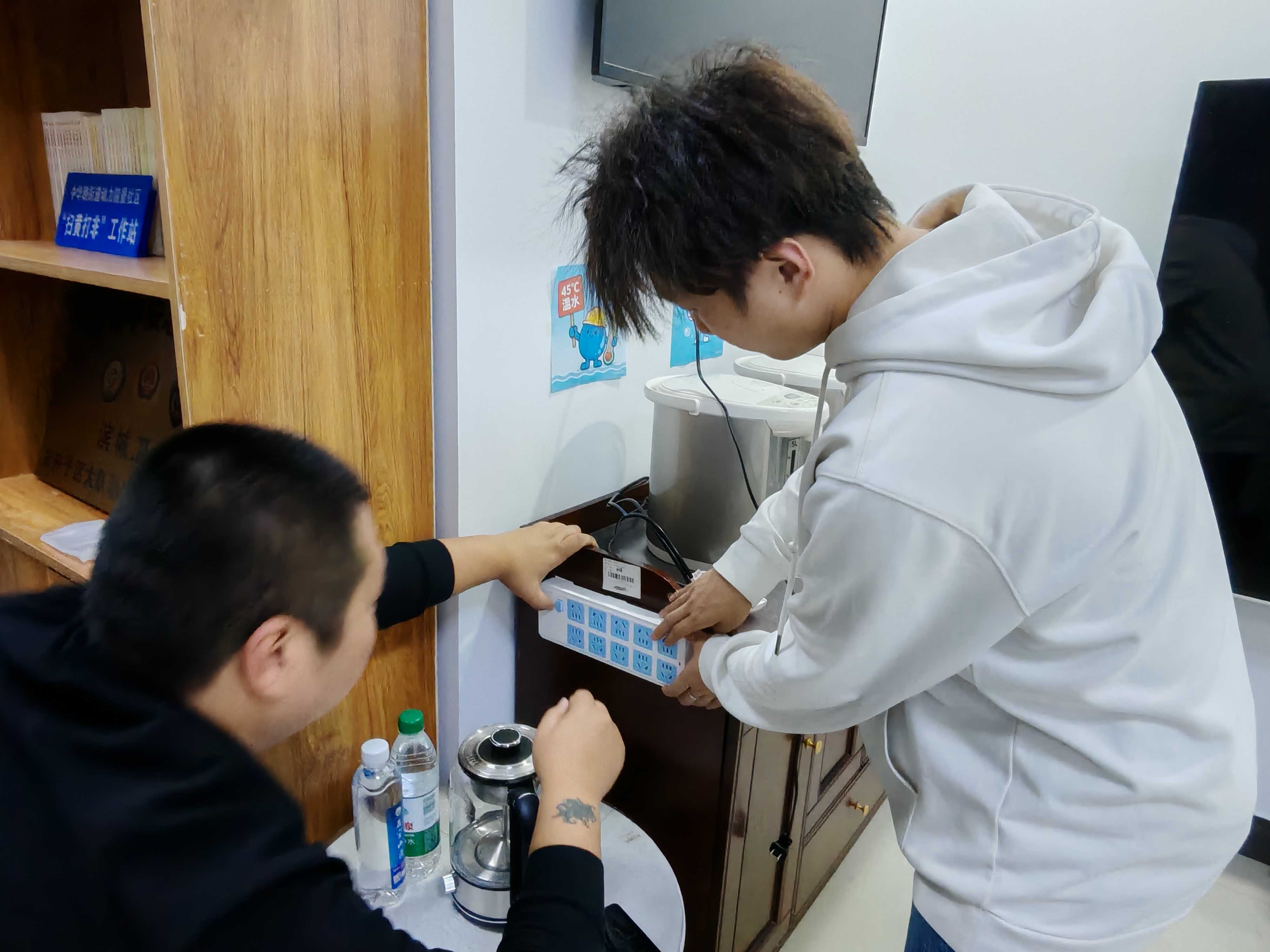
- “能源痛點(diǎn)問(wèn)診”——社區(qū)用能現(xiàn)狀調(diào)研行動(dòng)
- 社會(huì)實(shí)踐活動(dòng) 2025-12-05
- 石工院青志協(xié)深入馬超社區(qū)開(kāi)展雙碳主題宣傳活動(dòng)
- 大學(xué)生新聞 2025-12-04
- 石工院青志協(xié)走進(jìn)馬超社區(qū)開(kāi)展環(huán)保活動(dòng)
- 大學(xué)生新聞 2025-12-04
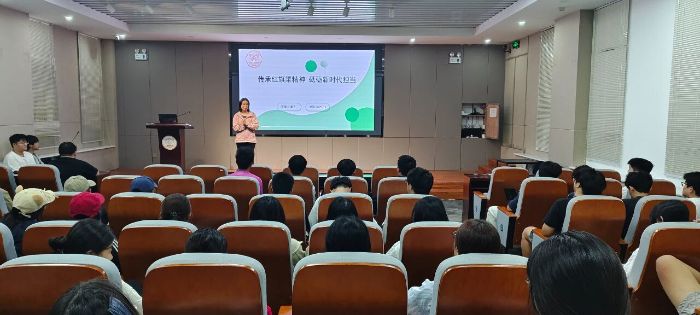
- 華北水利水電大學(xué)人居科學(xué)與設(shè)計(jì)學(xué)院開(kāi)展“紅色傳承·思政鑄魂”主題教育活動(dòng)
- 華北水利水電大學(xué)人居科學(xué)與設(shè)計(jì)學(xué)院開(kāi)展紅色傳承主題教育活動(dòng),通過(guò)紅旗渠精神專題報(bào)告、專業(yè)實(shí)踐案例分享與沉浸式黨史學(xué)習(xí),將思政教育與人居設(shè)
- 校園新聞 2025-12-04
- 西南石油大學(xué)石工院青志協(xié)暑期實(shí)踐總結(jié)
- 大學(xué)生新聞 2025-12-04
- 青春賦能低碳行動(dòng)!石工院青志協(xié)創(chuàng)新出品《低碳先鋒》微短片,讓綠色理念“活”起來(lái)
- 青春賦能低碳行動(dòng)!石工院青志協(xié)創(chuàng)新出品《低碳先鋒》微短片,讓綠色理念“活”起來(lái)
近日,西南石油大學(xué)石工院青志協(xié)圓滿完成為 - 大學(xué)生新聞 2025-12-04
- 青春逐光 解碼文博千年韻——泰州學(xué)院文芽團(tuán)隊(duì)創(chuàng)新實(shí)踐激活傳統(tǒng)文化傳播
- 社會(huì)實(shí)踐活動(dòng) 2025-12-04
- 南京工程學(xué)院學(xué)子:薪火賡續(xù)守初心 砥礪逐光踐青春
- 南京工程學(xué)院網(wǎng)絡(luò)252團(tuán)支部以 “薪火賡續(xù),砥礪逐光” 開(kāi)展團(tuán)日活動(dòng),含紅色教育、心理建設(shè)、民族團(tuán)結(jié)、勞動(dòng)實(shí)踐,筑牢信仰、凝聚力量,繪就青春
- 大學(xué)生新聞 2025-12-04
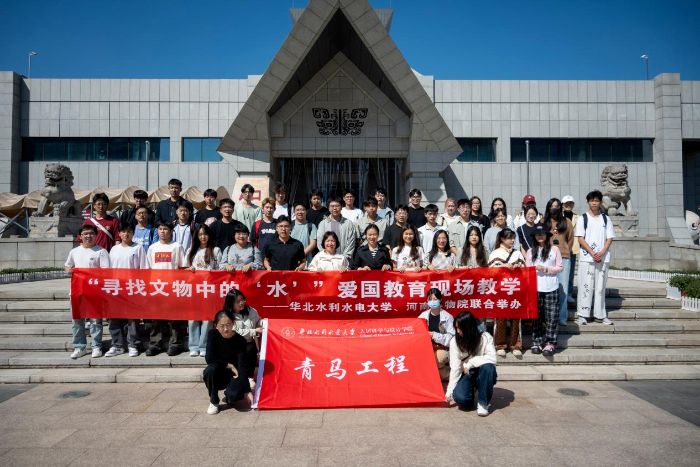
- 華北水利水電大學(xué)人居科學(xué)與設(shè)計(jì)學(xué)院開(kāi)展“尋找文物中的‘水’”愛(ài)國(guó)教育現(xiàn)場(chǎng)教學(xué)
- 華北水利水電大學(xué)人居科學(xué)與設(shè)計(jì)學(xué)院赴河南博物院開(kāi)展“尋找文物中的‘水’”愛(ài)國(guó)教育,以水文化為線探尋文物內(nèi)涵,結(jié)合專業(yè)完成成果匯報(bào),將文物
- 校園新聞 2025-12-04
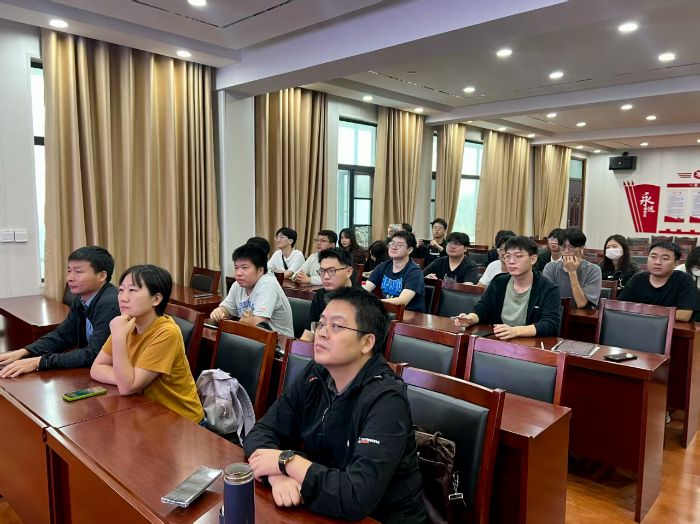
- 華北水利水電大學(xué)人居科學(xué)與設(shè)計(jì)學(xué)院師生赴杞縣開(kāi)展鄉(xiāng)鎮(zhèn)國(guó)土空間規(guī)劃實(shí)地調(diào)研
- 華北水利水電大學(xué)人居科學(xué)與設(shè)計(jì)學(xué)院城鄉(xiāng)規(guī)劃專業(yè)師生赴杞縣開(kāi)展鄉(xiāng)村振興調(diào)研,以黨建引領(lǐng)課程實(shí)踐,通過(guò)座談、踏勘為鄉(xiāng)鎮(zhèn)國(guó)土空間規(guī)劃獻(xiàn)策,將專
- 社會(huì)實(shí)踐活動(dòng) 2025-12-04
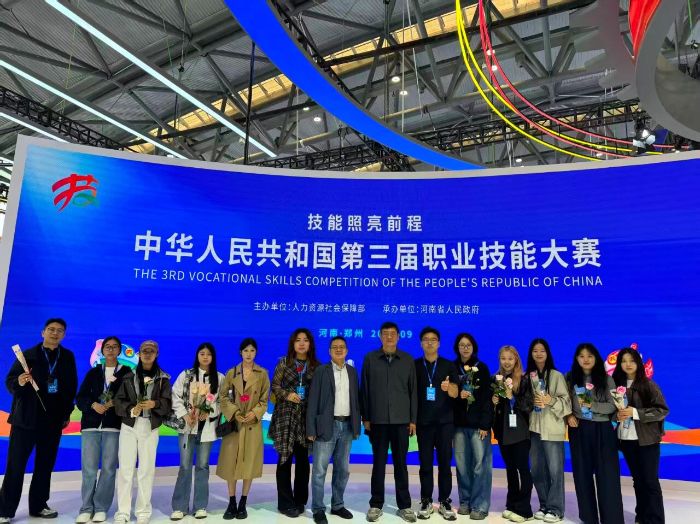
- 華北水利水電大學(xué)人居科學(xué)與設(shè)計(jì)學(xué)院赴第三屆全國(guó)職業(yè)技能大賽開(kāi)展“跟著國(guó)賽去研學(xué)”實(shí)踐教學(xué)活動(dòng)
- 華北水利水電大學(xué)人居科學(xué)與設(shè)計(jì)學(xué)院130余名師生走進(jìn)第三屆全國(guó)職業(yè)技能大賽現(xiàn)場(chǎng)開(kāi)展研學(xué)活動(dòng),觀摩前沿技能成果、參與互動(dòng)體驗(yàn),將國(guó)賽賽場(chǎng)轉(zhuǎn)化
- 校園新聞 2025-12-04
- 2025年京津冀晉大學(xué)生誠(chéng)信辯論大賽,山西大學(xué)奪冠
- 12月2日獲悉,2025年京津冀晉大學(xué)生誠(chéng)信辯論大賽頒獎(jiǎng)儀式在信用北京論壇上舉行,山西大學(xué)領(lǐng)取總決賽冠軍獎(jiǎng)杯。
- 大學(xué)生新聞 2025-12-04
- 傳承紅色基因,筑牢信仰之基——常州工學(xué)院外國(guó)語(yǔ)學(xué)院組織參觀常州三杰紀(jì)念館
- 常州工學(xué)院外國(guó)語(yǔ)學(xué)院組織參觀常州三杰紀(jì)念館
- 實(shí)踐報(bào)告 2025-12-03
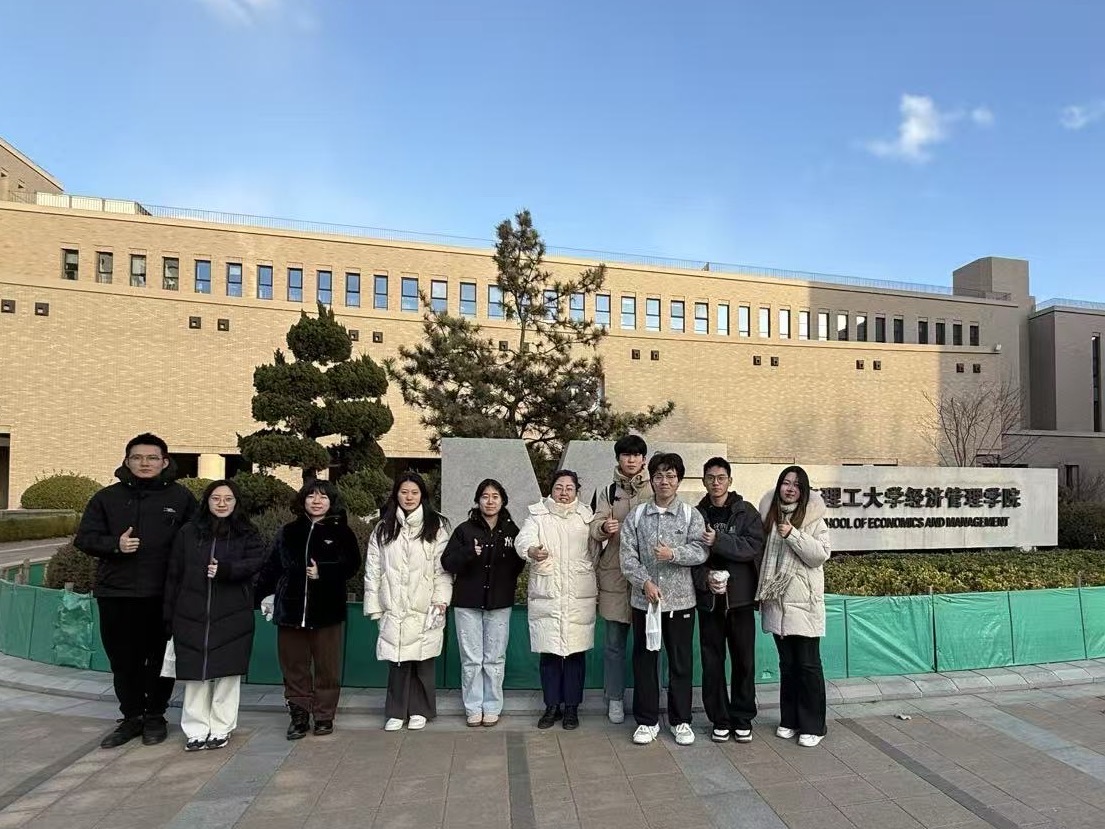
- 智配單車,暢行校園:大連理工大學(xué)學(xué)子探尋校園單車優(yōu)化配置之路
- 為解決大連理工大學(xué)校內(nèi)共享電動(dòng)車在使用中的實(shí)際痛點(diǎn),大連理工大學(xué)“智配單車,暢行校園”秋季自主實(shí)踐團(tuán)開(kāi)展專項(xiàng)調(diào)研,探尋單車優(yōu)化之路。
- 社會(huì)實(shí)踐活動(dòng) 2025-12-03
- 青島大學(xué)自動(dòng)化學(xué)院學(xué)子以晚會(huì)續(xù)“研脈”,繪就報(bào)國(guó)華章
- 2025年11月29日晚,青島大學(xué)大劇院內(nèi)燈光璀璨,青島大學(xué)自動(dòng)化學(xué)院 2025年“研脈綿延 華章賡續(xù)”班級(jí)風(fēng)采大賽暨迎新晚會(huì)在此溫情啟幕。學(xué)院黨委書(shū)
- 校園新聞 2025-12-03
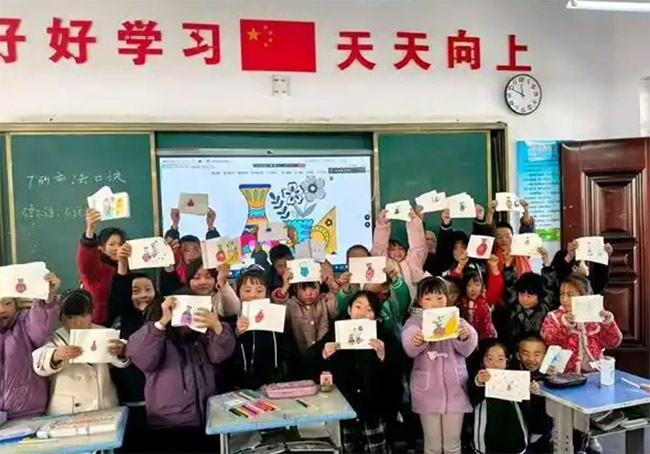
- 跨越山海 這群大學(xué)生點(diǎn)亮鄉(xiāng)村課堂
- 為助力構(gòu)建優(yōu)質(zhì)均衡的基本公共教育服務(wù)體系,甘肅省電化教育中心依托互聯(lián)網(wǎng)平臺(tái),在部分師范類高校招募志愿者
- 下鄉(xiāng)支教 2025-12-03
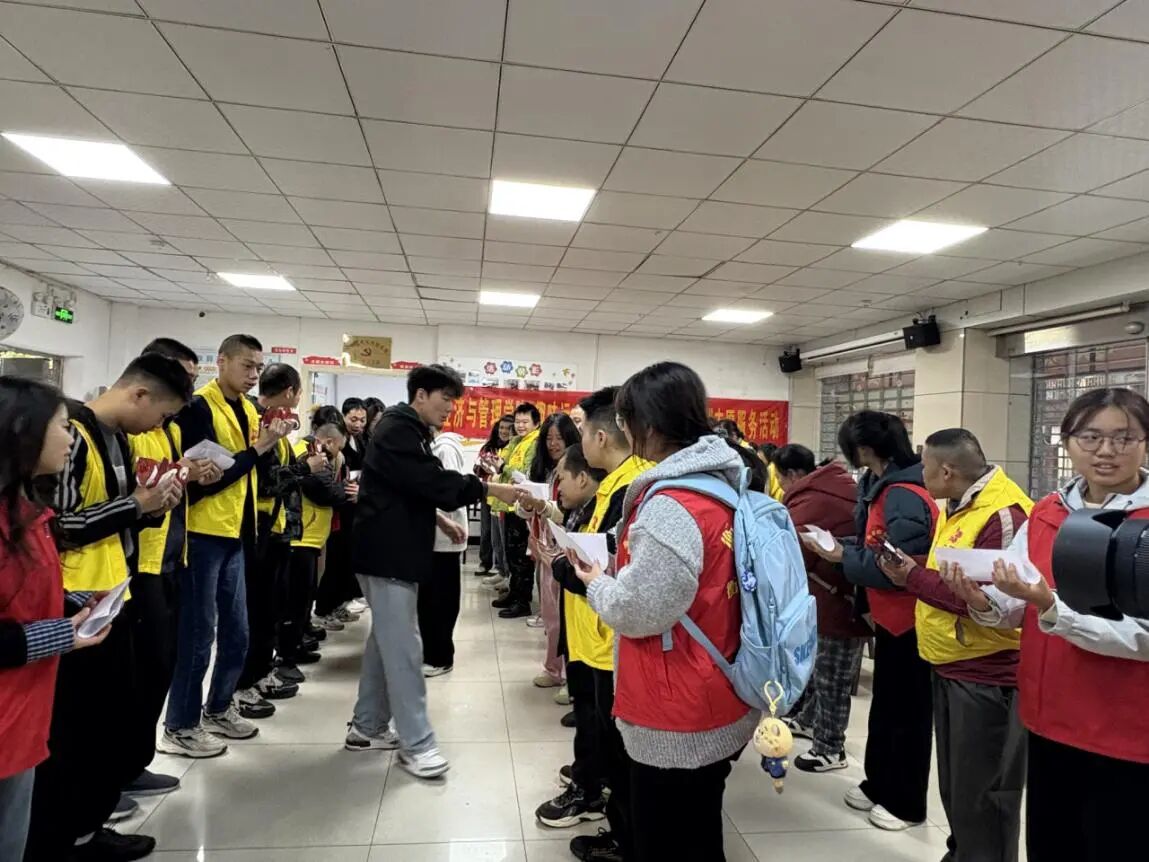
- 衡師經(jīng)管學(xué)院開(kāi)展“趣味運(yùn)動(dòng)傳溫情,愛(ài)心助殘共前行”
- 大學(xué)生新聞 2025-12-02
- “數(shù)”燃新聲,“理”響青春
- 泰州學(xué)院數(shù)理學(xué)院2025級(jí)迎新歌會(huì)圓滿落幕
- 校園新聞 2025-12-02
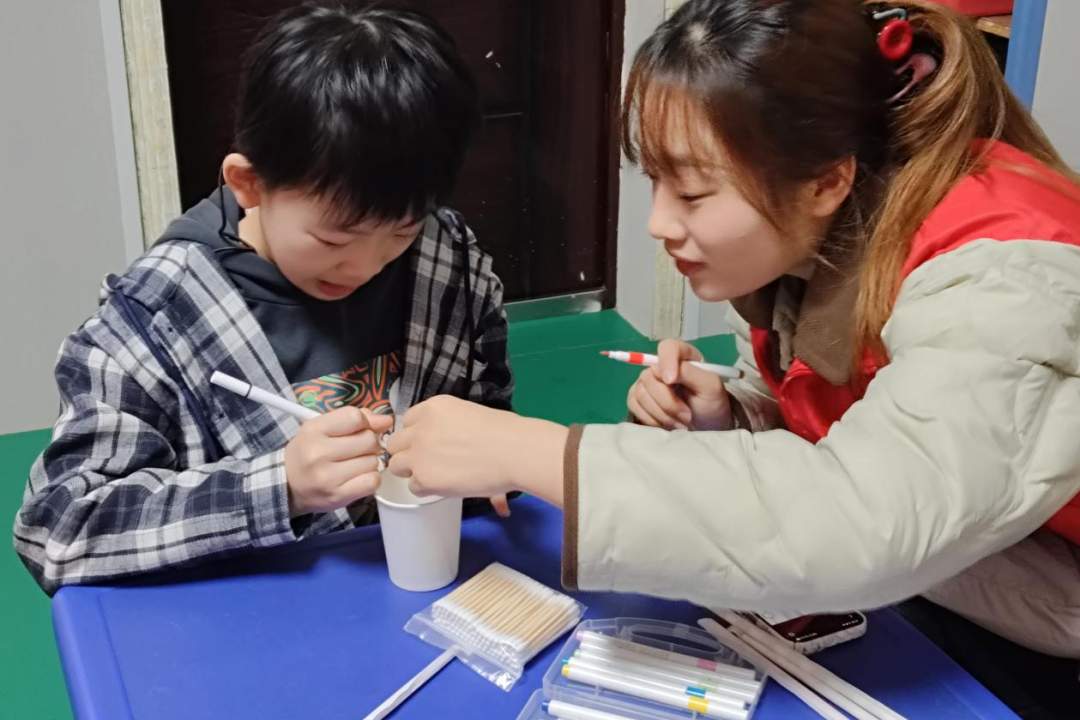
- 衡師經(jīng)管學(xué)院開(kāi)展“以志愿之名,喚耳畔之音”文化助殘
- 大學(xué)生新聞 2025-12-02
- 傳情鄉(xiāng)老遙相伴,青衿攜手匯真心
- 實(shí)踐總結(jié) 2025-12-02
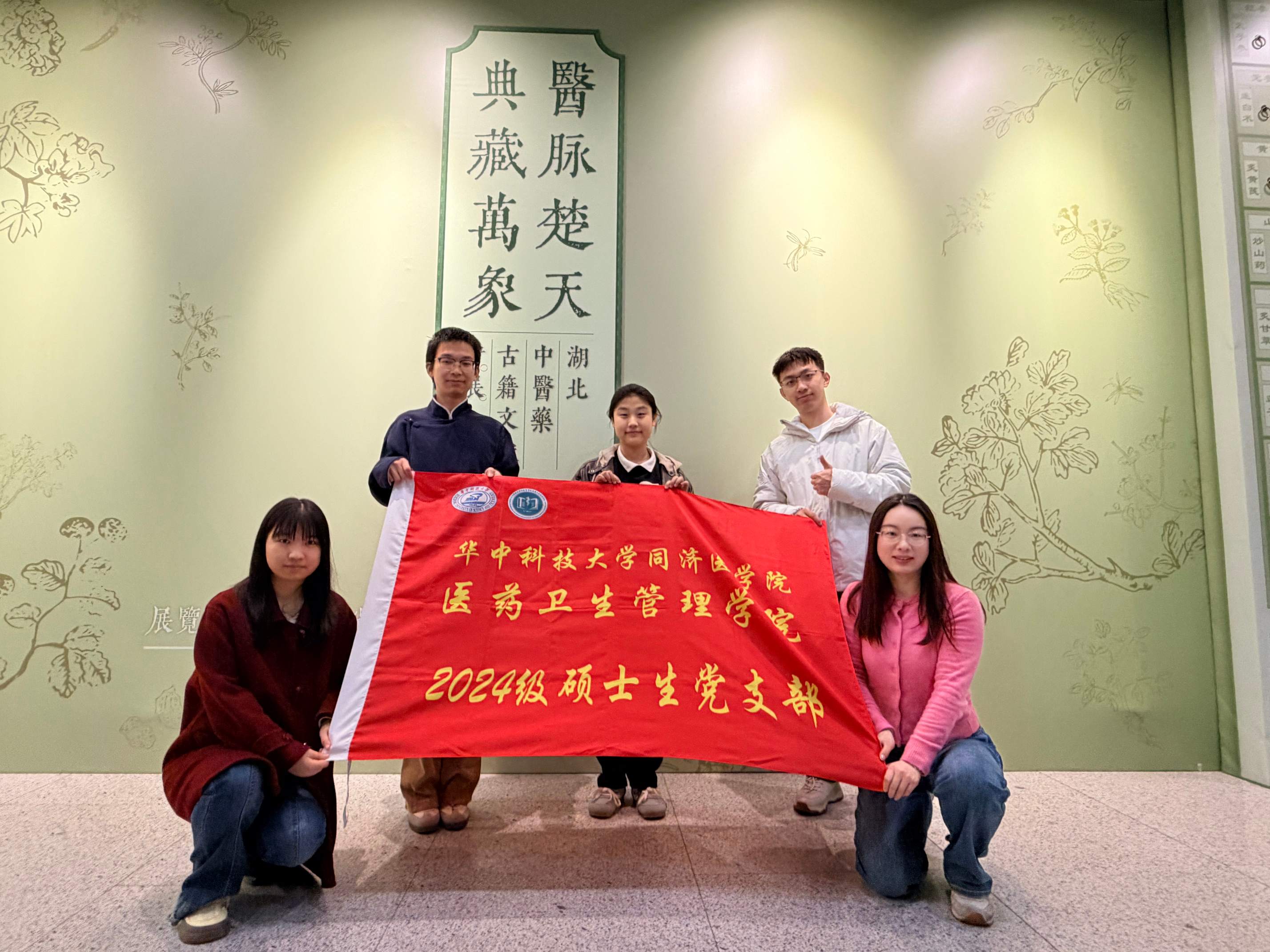
- 荊楚尋本草,青春續(xù)岐黃——華科大學(xué)子探尋中醫(yī)藥文化傳承與創(chuàng)新之路
- 為深入挖掘荊楚中醫(yī)藥文化核心資源,推動(dòng)中華優(yōu)秀傳統(tǒng)文化傳承創(chuàng)新,2025年11月,華中科技大學(xué)醫(yī)藥衛(wèi)生管理學(xué)院“荊楚尋本草,青春續(xù)岐黃”特色調(diào)
- 實(shí)踐總結(jié) 2025-12-02
- 勞動(dòng)實(shí)踐:在奉獻(xiàn)中觸摸成長(zhǎng)的溫度
- 作者回憶了秋季學(xué)期參與到的志愿服務(wù)和勞動(dòng)活動(dòng),在勞育中體驗(yàn)到幫助他人和勞動(dòng)純粹的快樂(lè)
- 實(shí)踐總結(jié) 2025-12-02
- 七年追光路,終入團(tuán)心門——信息科學(xué)與技術(shù)學(xué)院實(shí)踐報(bào)告
- 作者描述了七年來(lái)的社會(huì)實(shí)踐和內(nèi)心思想成長(zhǎng),報(bào)告了在德育兩個(gè)方面的思考與進(jìn)步
- 實(shí)踐報(bào)告 2025-12-02
- 2025年“‘京’彩文化 青春綻放”行動(dòng)計(jì)劃覆蓋40萬(wàn)名大學(xué)生
- 近日,30所學(xué)校的師生來(lái)到北京大學(xué)百周年紀(jì)念講堂,同上一堂“大思政課”。
- 大學(xué)生新聞 2025-12-02
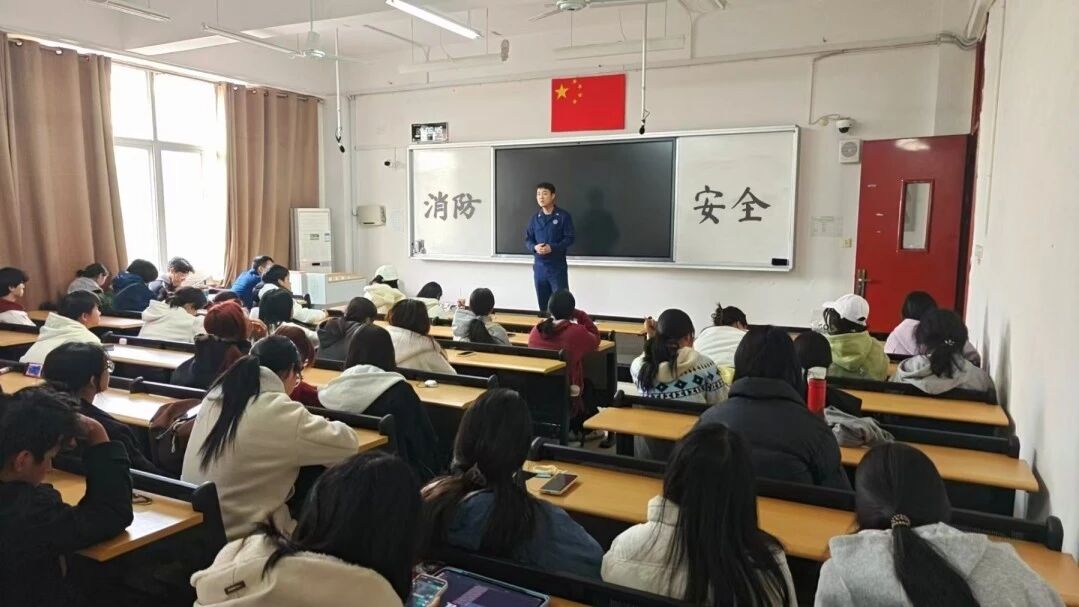
- 三線并行筑防線,文明平安伴校園 ——經(jīng)濟(jì)管理與法學(xué)院開(kāi)展消防主題系列活動(dòng)
- 校園新聞 2025-12-01
- 春膳秋養(yǎng)踐初心,食暖校園護(hù)健康:大連理工大學(xué)學(xué)子探尋中醫(yī)養(yǎng)生與高校食堂結(jié)合之法
- 在健康中國(guó)戰(zhàn)略深入推進(jìn)的當(dāng)下,校園飲食的健康化、特色化已成為師生關(guān)注的核心議題
- 社會(huì)實(shí)踐活動(dòng) 2025-12-01
- 第八屆浙江省大學(xué)生鄉(xiāng)村振興創(chuàng)意大賽落幕
- 近日,第八屆浙江省大學(xué)生鄉(xiāng)村振興創(chuàng)意大賽閉幕式暨頒獎(jiǎng)典禮在浙江工業(yè)大學(xué)之江學(xué)院舉行。
- 大學(xué)生新聞 2025-12-01
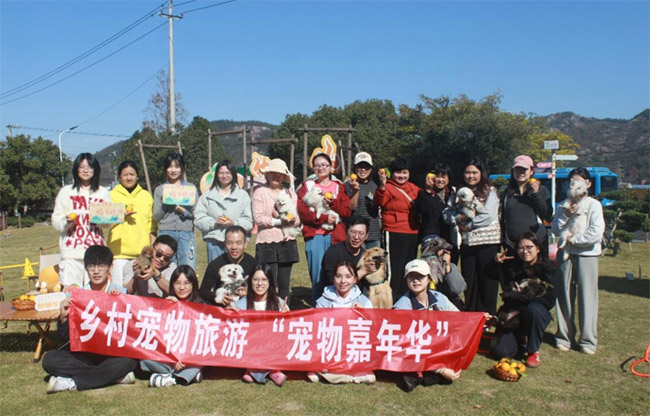
- 萌寵經(jīng)濟(jì)點(diǎn)亮鄉(xiāng)村,一場(chǎng)專屬于“毛孩子”的嘉年華
- 2025年11月30日,象山縣曉塘鄉(xiāng)青山頭村。當(dāng)數(shù)百名跑友在“紅美人”歡樂(lè)跑的賽道上奔跑時(shí),村里的青山營(yíng)地則迎來(lái)了另一批悠閑的客人——20組攜寵家
- 三下鄉(xiāng) 2025-12-01
- 黑龍江省高校在全國(guó)大學(xué)生創(chuàng)新年會(huì)再獲佳績(jī)
- 11月21日至23日,第十八屆全國(guó)大學(xué)生創(chuàng)新年會(huì)在蘇州舉辦,本屆年會(huì)由教育部高等教育司指導(dǎo),年會(huì)以“創(chuàng)無(wú)止境·‘新’潮澎湃”為主題
- 大學(xué)生新聞 2025-12-01
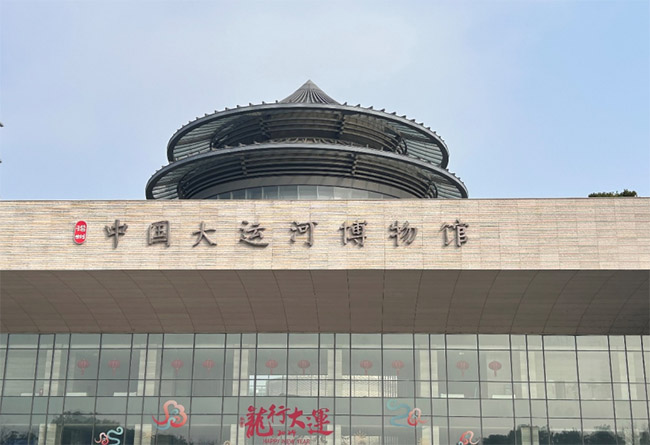
- 踏訪運(yùn)河文博 賡續(xù)紅色基因——實(shí)踐團(tuán)隊(duì)揚(yáng)州大運(yùn)河博物館調(diào)研紀(jì)實(shí)
- 為深度挖掘揚(yáng)州運(yùn)河文化底蘊(yùn)與紅色精神內(nèi)核,探索千年文脈傳承與紅色基因賡續(xù)的創(chuàng)新路徑
- 實(shí)踐報(bào)告 2025-11-30
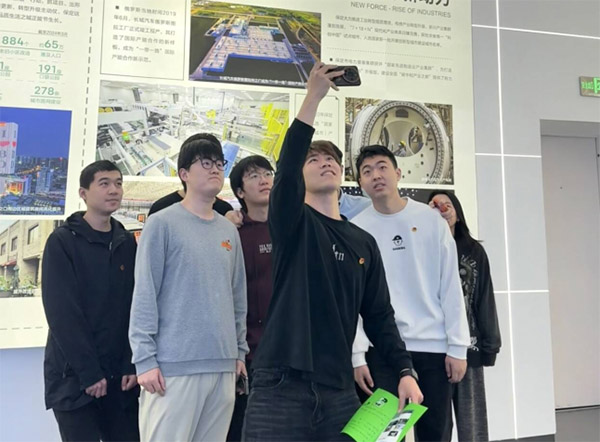
- 華北電力大學(xué)碩電力2506團(tuán)支部舉辦“傳承科學(xué)家精神 勇攀能源高峰”主題團(tuán)日活動(dòng)
- 國(guó)家所向,青年所往。在科學(xué)家精神的璀璨星光指引下,華北電力大學(xué)電力工程系碩電力2506班團(tuán)支部
- 大學(xué)生新聞 2025-11-30
- 弘揚(yáng)“兩彈一星”精神,激揚(yáng)青春報(bào)國(guó)之志
- 為大力弘揚(yáng)“兩彈一星”精神,加強(qiáng)青年學(xué)生對(duì)中國(guó)共產(chǎn)黨人精神譜系的深刻理解與自覺(jué)傳承,2025年9月14日,“核你一起
- 社會(huì)實(shí)踐內(nèi)容 2025-11-30

微信掃碼關(guān)注多彩大學(xué)生公眾號(hào)

 福建農(nóng)林大學(xué)林學(xué)院赴龍巖市長(zhǎng)汀縣開(kāi)展社會(huì)調(diào)研
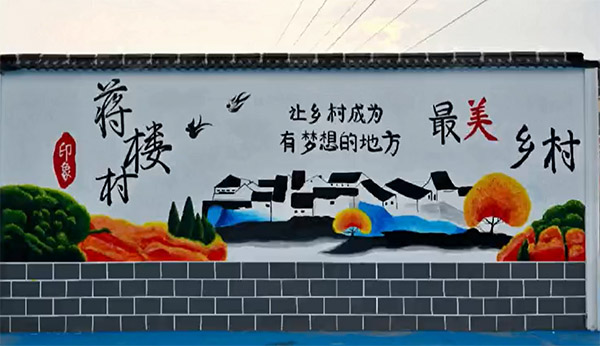 合工大學(xué)子赴阜陽(yáng)開(kāi)展支農(nóng)助農(nóng)與教育關(guān)愛(ài)實(shí)踐活動(dòng)
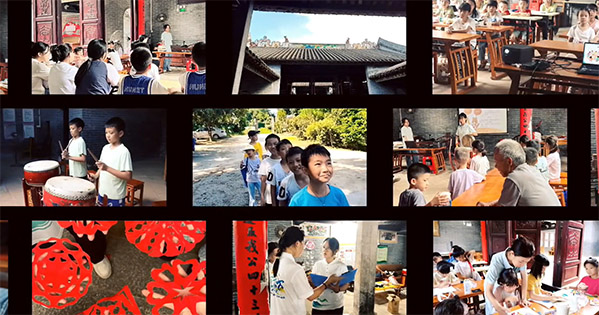 三下鄉(xiāng)·非遺傳承在霞逕
社會(huì)實(shí)踐熱點(diǎn)
友情鏈接
- 多彩大學(xué)生網(wǎng)©版權(quán)所有 鄂ICP備2022010258號(hào)-18
-
大學(xué)生三下鄉(xiāng)投稿平臺(tái)